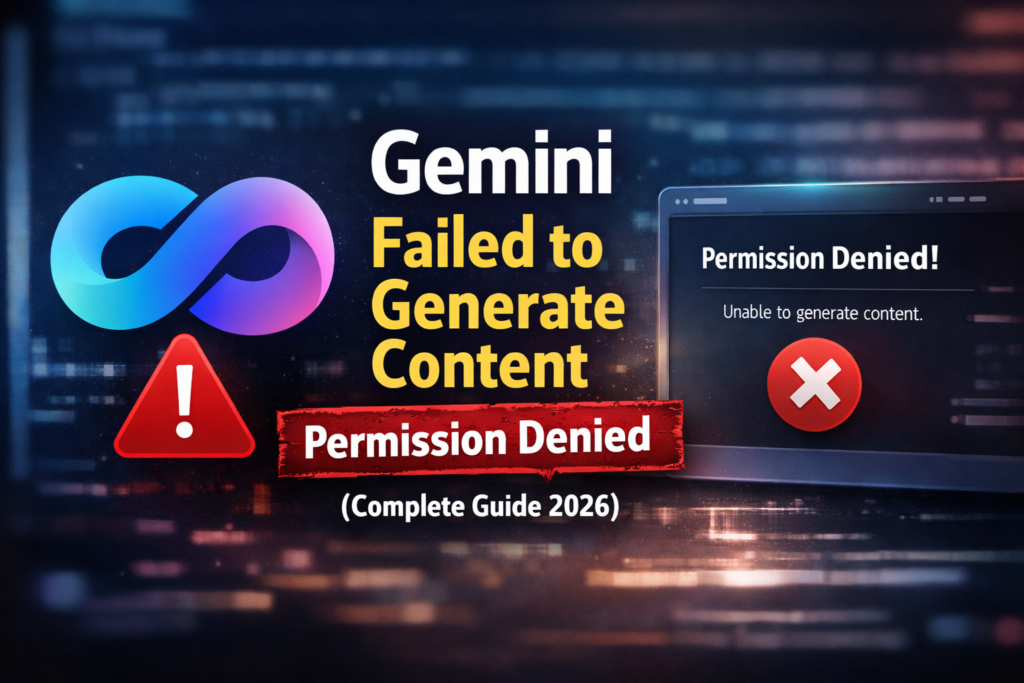
If you’re seeing this error while using Google Gemini AI:
“Failed to generate content: Permission denied. Please try again.”Don’t worry. This is a common technical problem that many users are facing in 2026. In this article, we’ll understand why this error occurs and how you can easily fix it.
On Digimathurreviews, we’re discussing a common AI issue today — “Gemini Failed to Generate Content (Permission Denied)”. In 2026, many users are facing this error, where Gemini AI fails to generate content and displays a “permission denied” message. In this blog, we’ll explain the exact reason for this error and provide an easy fix.
What Is Gemini Permission Denied Error?
The Gemini “Permission Denied” error means that the AI system does not have permission to process your request. This means Gemini understands your command, but is unable to generate content due to security or access restrictions. This error typically appears when:- Account permissions are limited
- The server is temporarily down
- The request is being blocked by policy rules
Why Does Gemini Show “Failed to Generate Content” Error?
The main reasons for this error could be: ❌ Gemini server overload ❌ Free usage limit exceeded ❌ Account verification issue ❌ Browser cache problem ❌ VPN or proxy network usage ❌ Restrictions after a policy update Sometimes Google makes changes to the Gemini backend, which can cause a “permission denied” error in older sessions.How to Fix Gemini Permission Denied Error (Step by Step)
Try the solutions listed below one by one: ✅ 1. Refresh and Retry First:- Refresh the page
- Enter the prompt again
- Log out of your Gemini account
- Then log in again
- Chrome → Settings → Privacy
- Clear browsing data
- Delete cache and cookies
- Turn it off
- Open Gemini with a normal internet connection
- Many AI tools block VPN IP addresses.
- Try Edge or Firefox instead of Chrome
- Also check on your mobile device
- Sometimes the issue is browser-specific.
- Your daily limit might be reached
- Some prompts might be restricted
Is Gemini Permission Denied Error Permanent?
No, the Gemini Permission Denied error is not permanent. It usually occurs due to temporary server issues, account restrictions, network problems, or usage limits. In most cases, the error is resolved automatically after some time or by logging out and back in, clearing browser cache, disabling VPN, or waiting for the server to stabilize. Once these temporary issues are fixed, Gemini works normally again. No ❌ This error is not permanent. In most cases: ✔ Temporary server issue ✔ Temporary account restriction Gemini usually starts working normally again after some time.Best Alternatives If Gemini Keeps Failing
If Gemini is giving you errors repeatedly, you can try these alternatives:- ChatGPT
- Google AI Studio
- Microsoft Copilot
- Claude AI
SEO Importance of This Keyword
The keyword “Gemini failed to generate content: permission denied” is a high-intent, problem-based search query. It is searched by users who are facing a real error and need an immediate solution. There is less competition for such keywords, increasing the likelihood of achieving a high ranking quickly. Writing a clear and helpful guide on this topic can increase organic traffic, click-through rate (CTR), and Google Discover visibility. Keyword: Gemini failed to generate content: permission denied This is a high-intent keyword because:- The user is searching for a real solution to a problem.
- There is low competition.
- There’s a good chance of ranking quickly on Google.
Final Words
If you are getting the following error: Gemini failed to generate content: permission denied. please try again there’s no need to panic. This is a temporary technical issue that: ✔ Can be fixed with the correct steps ✔ Is not permanent ✔ May be automatically resolved in future updates Please try all the solutions mentioned above and try using Gemini AI again.Wait. What is WordPress?
Far far away, behind the word Mountains far from the countries Vokalia and Consonantia, there live the blind texts. Separated they live in Bookmark
How long do I get support?
Even the all-powerful Pointing has no control about the blind texts it is an almost unorthographic life One day however a small line
Do I need to renew my license?
Marks and devious Semikoli but the Little Blind Text didn’t listen. She packed her seven versalia, put her initial into the belt and made herself on the way.